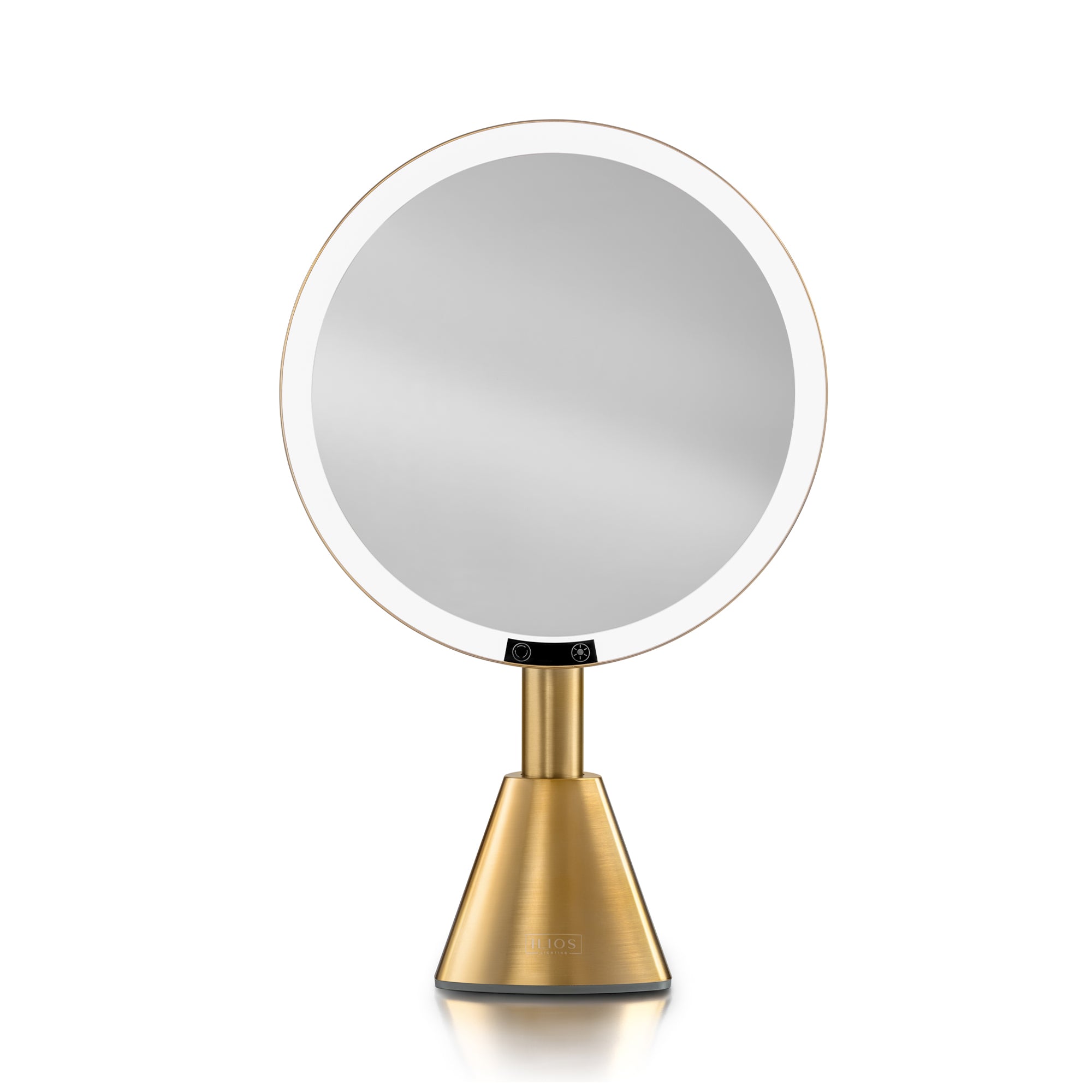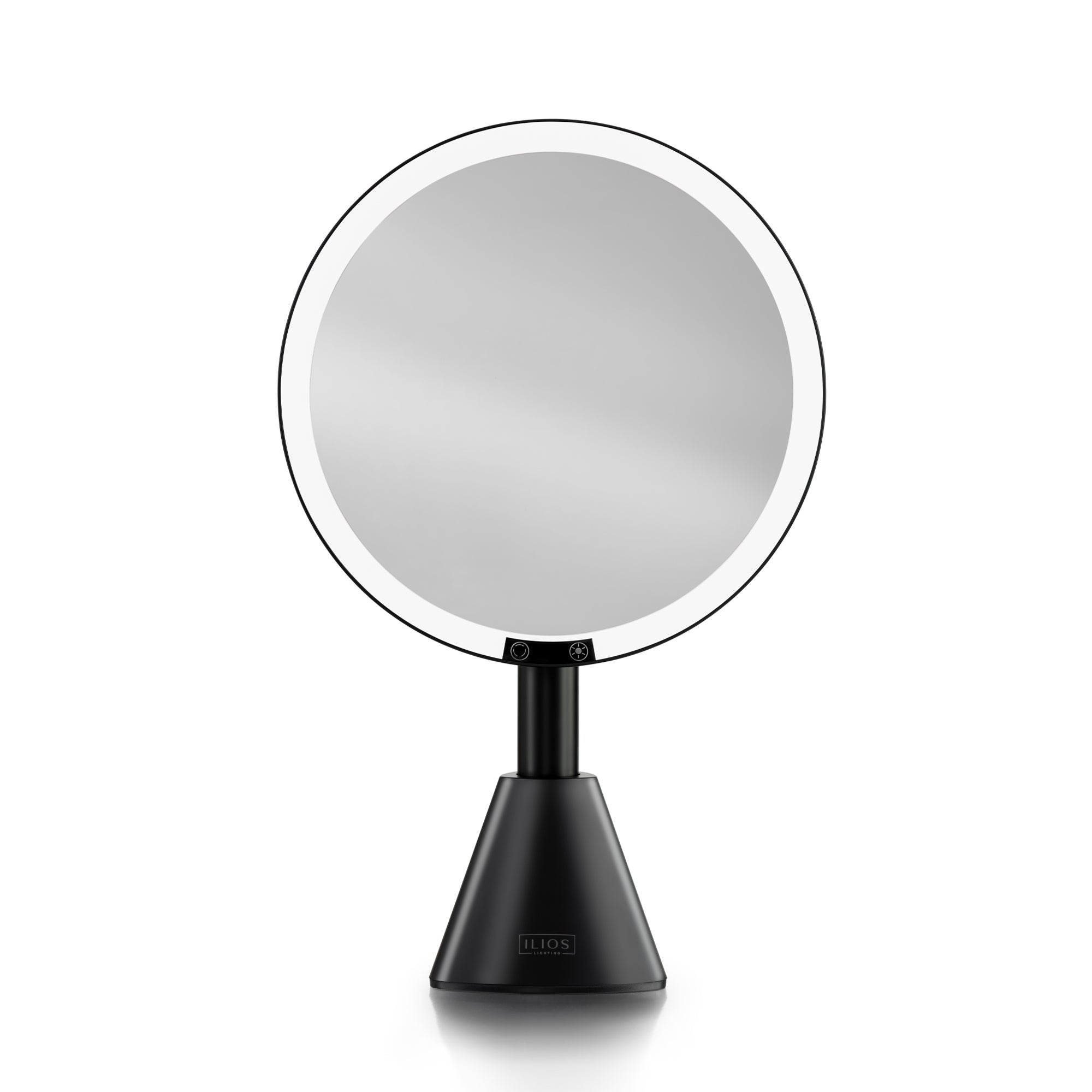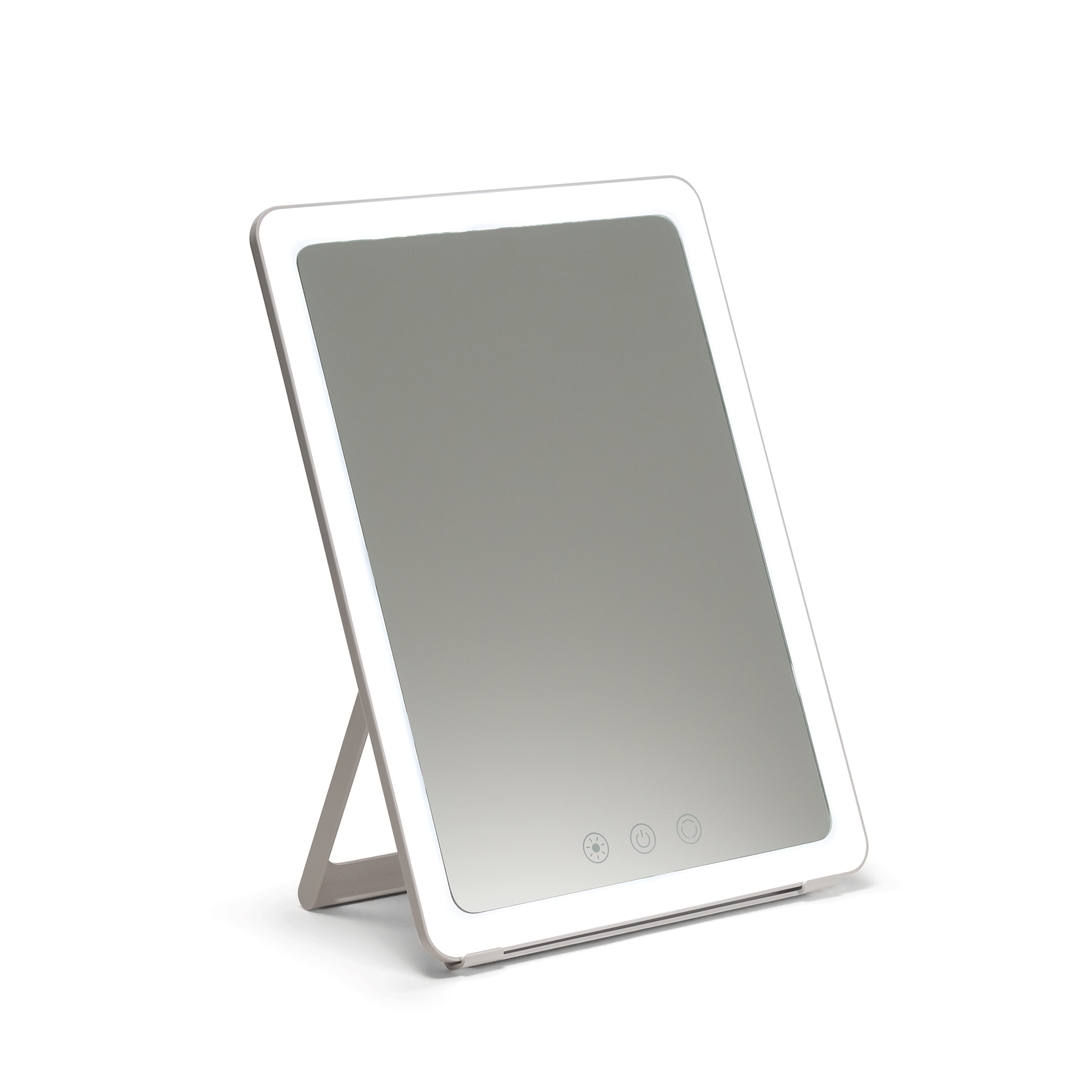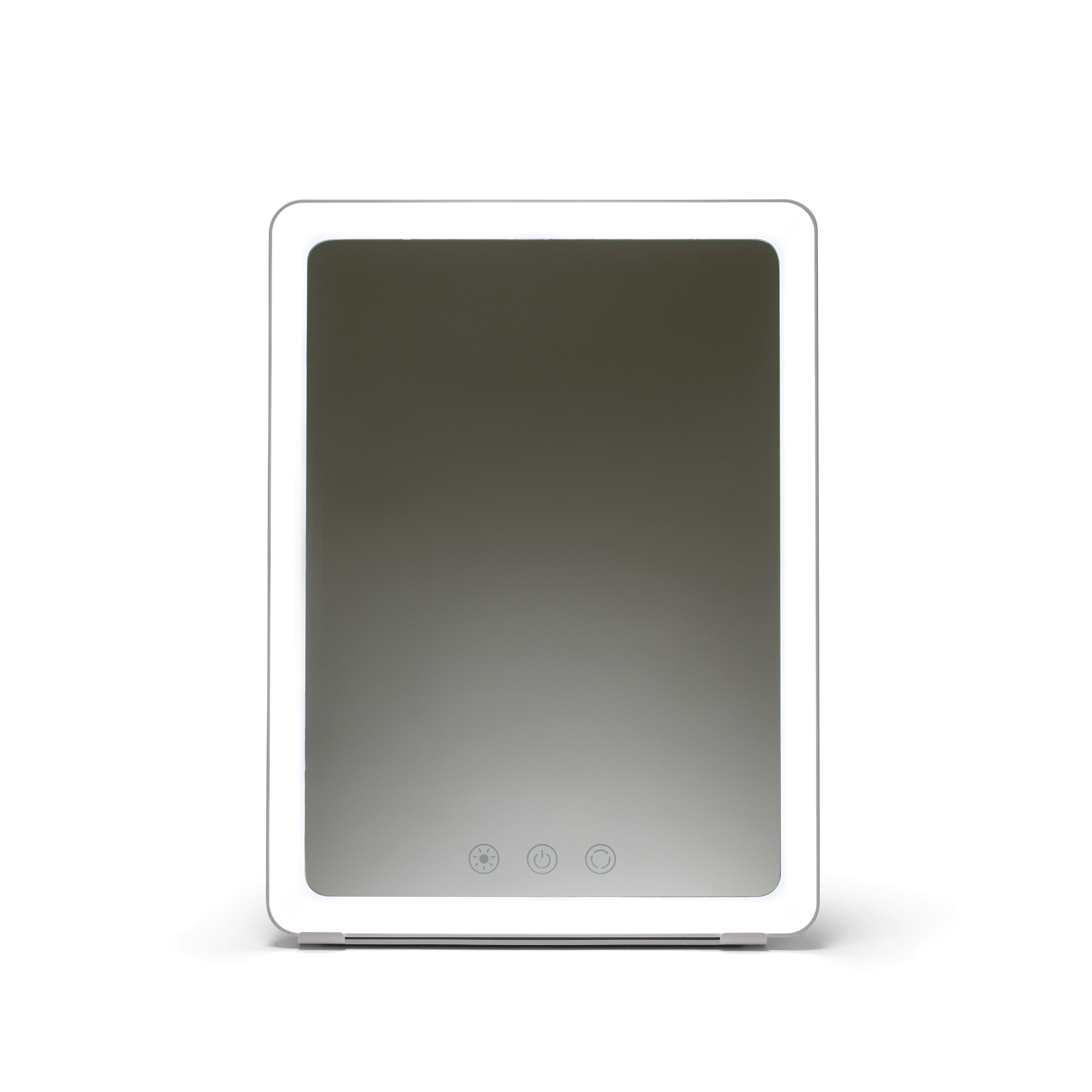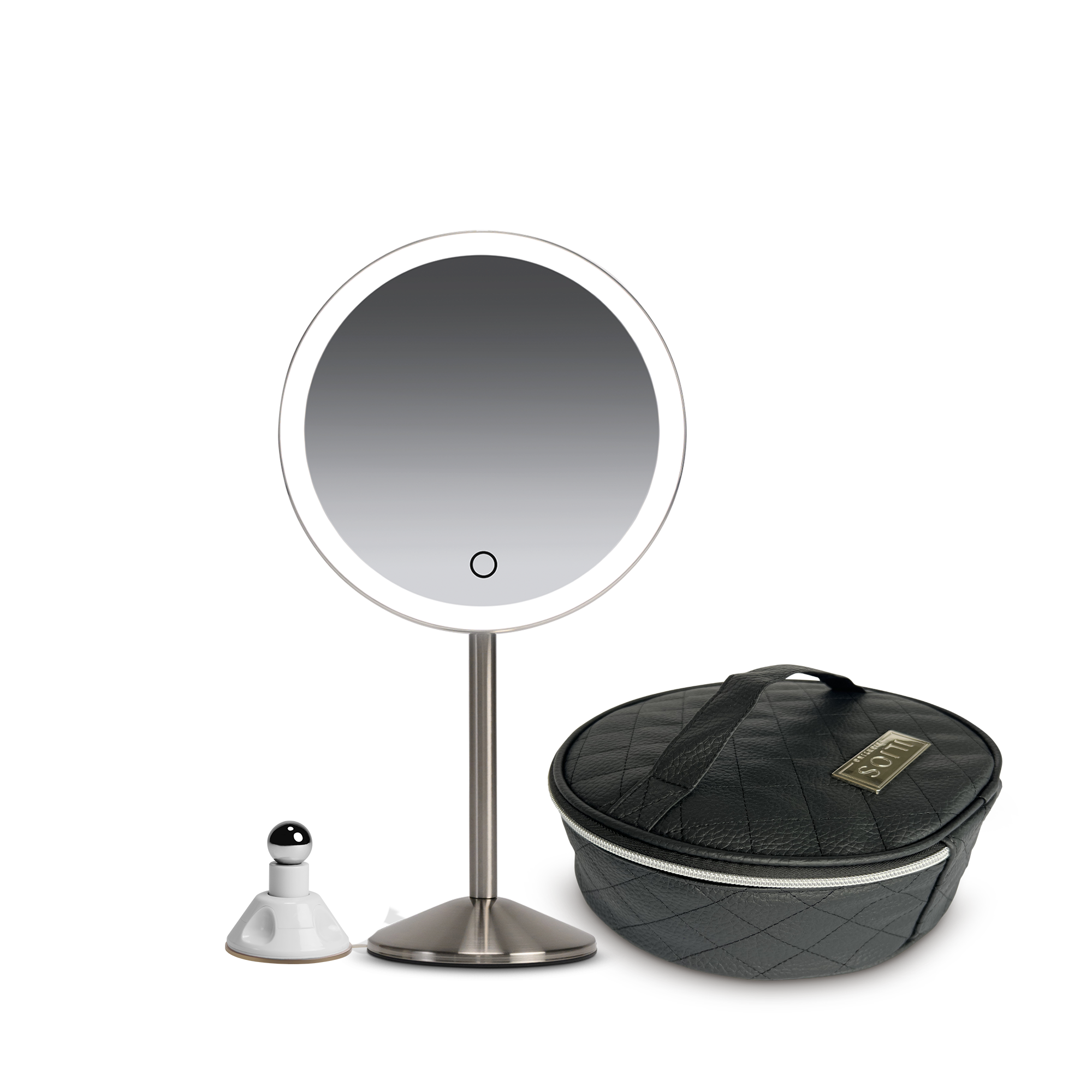


How to Set Up: Slim Mirror Kit w/Case
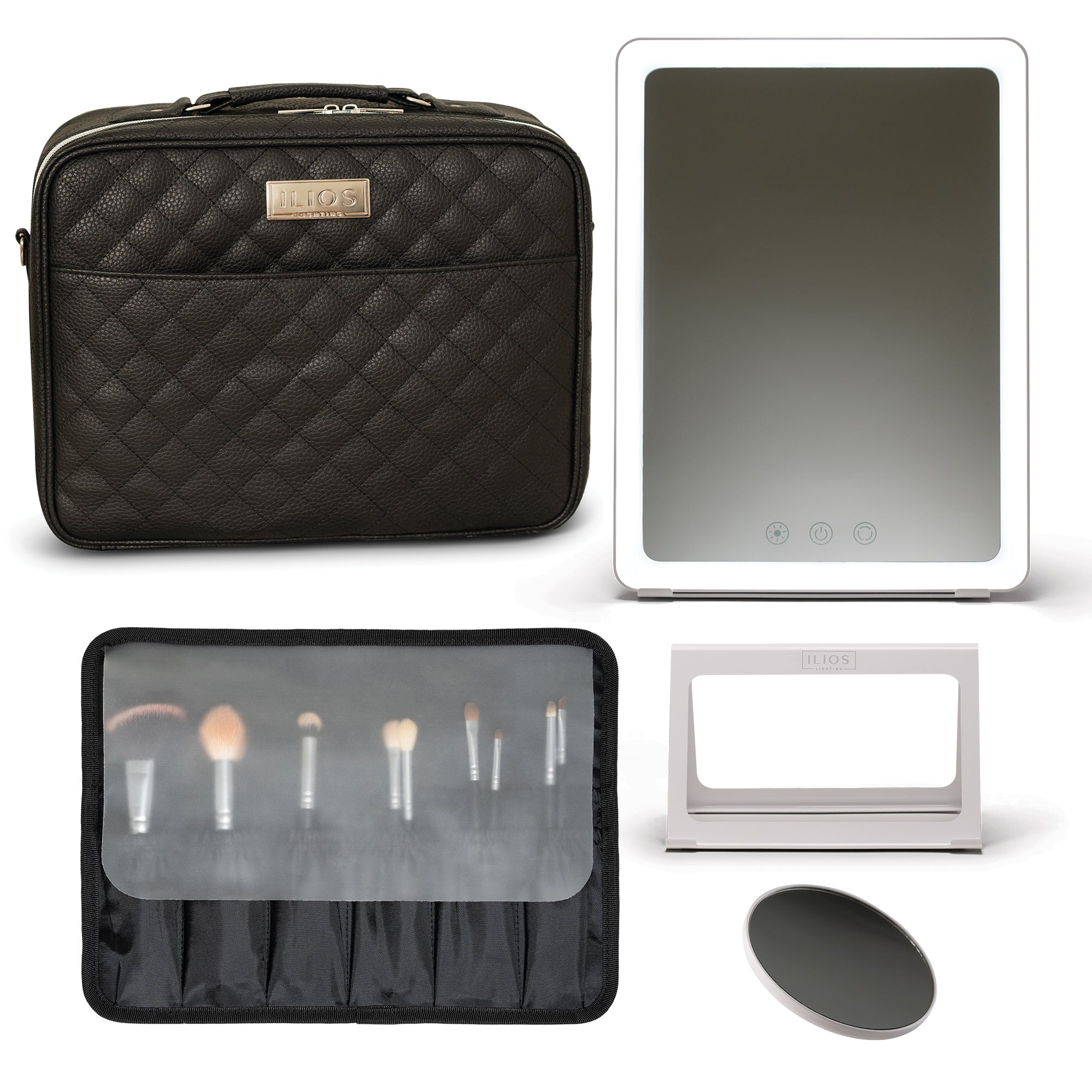
Learn how to set up the Ilios Lighting Slim Mirror Kit w/Case.

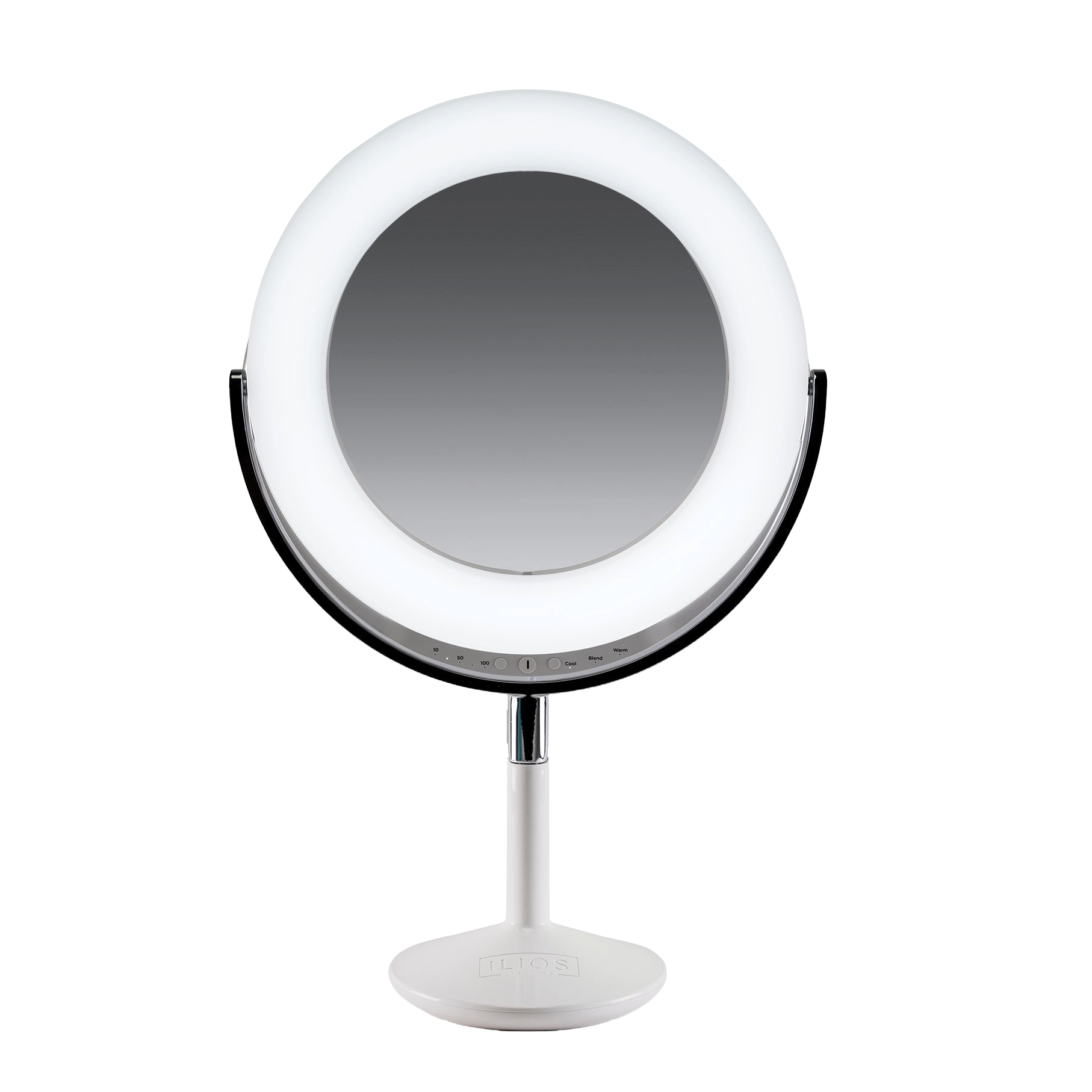
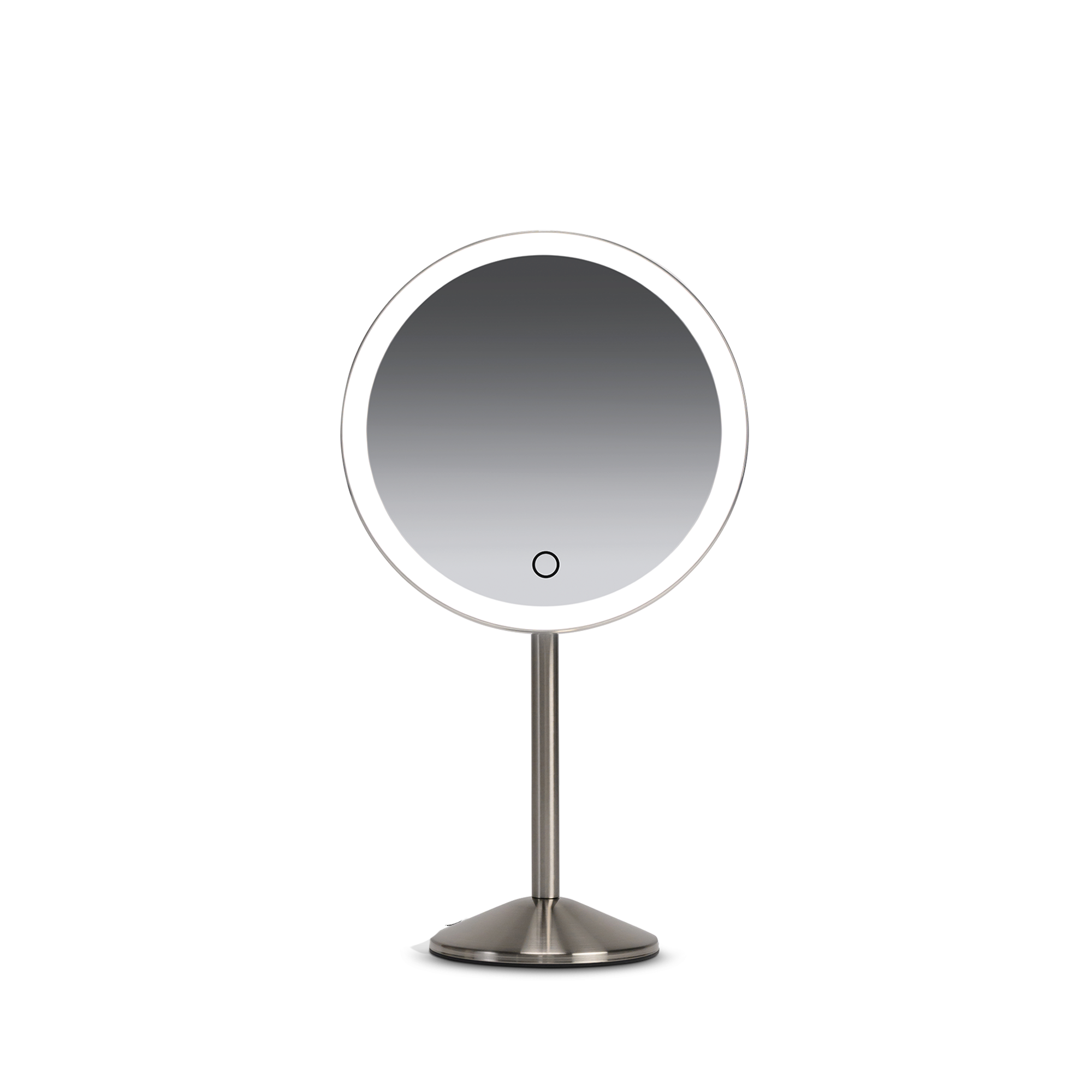
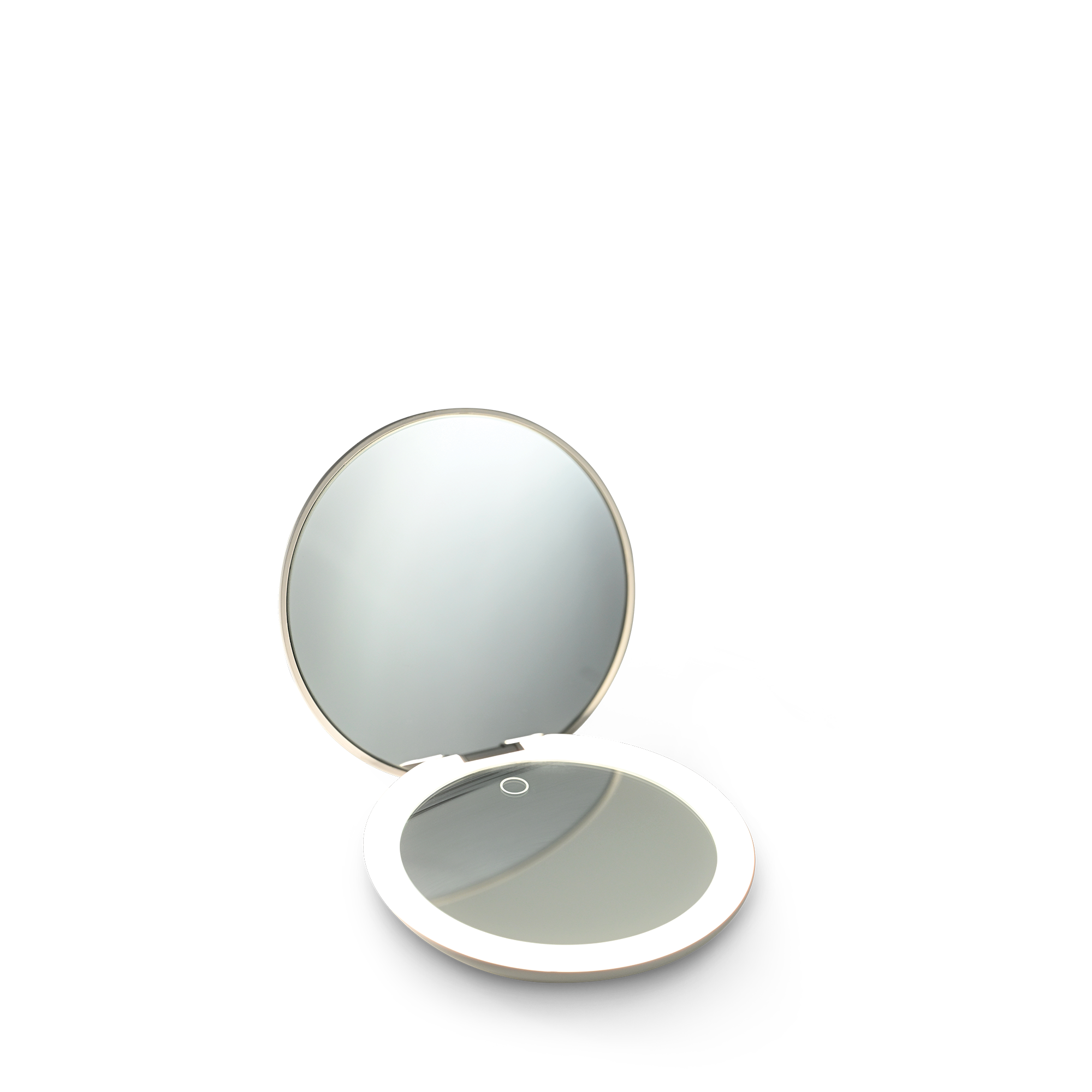
SLIM RECHARGEABLE MIRROR
Charging
Fully charge the mirror by plugging in the included USB-C cord and wall adapter. There are four lights on the back of the mirror that indicate the battery level. When all four lights are lit, the mirror is fully charged.
Battery charge time is approximately 4 hours.
- Battery Level 1 = 0-25%
- Battery Level 2 = 26-50%
- Battery Level 3 = 51-75%
- Battery Level 4 = 76-100%
- When at 1% power, the light will flash to notify the user the battery is almost depleted and should be plugged in.
To power on the unit, press and hold the center power button for up to three seconds.
Power Levels
The power levels can be adjusted by tapping the button with the sun icon.
- Power Level 1 = 10%
- Power Level 2 = 25%
- Power Level 3 = 50%
- Power Level 4 = 75%
- Power Level 5 = 100%
Average Battery Run Times
- Power Level 1 = 2 hours and 5 minutes
- Power Level 2 = 2 hours and 40 minutes
- Power Level 3 = 4 hours and 0 minutes
- Power Level 4 = 5 hours and 45 minutes
- Power Level 5 = 5 hours and 30 minutes
Color Modes
The color modes can be adjusted by tapping the button with the arrows.
- Color Level 1 = Cool Mode or 5500 Kelvin
- Color Level 2 = Blend Mode or 4400 Kelvin
- Color Level 3 = Warm mode or 3200 Kelvin
Table Stand
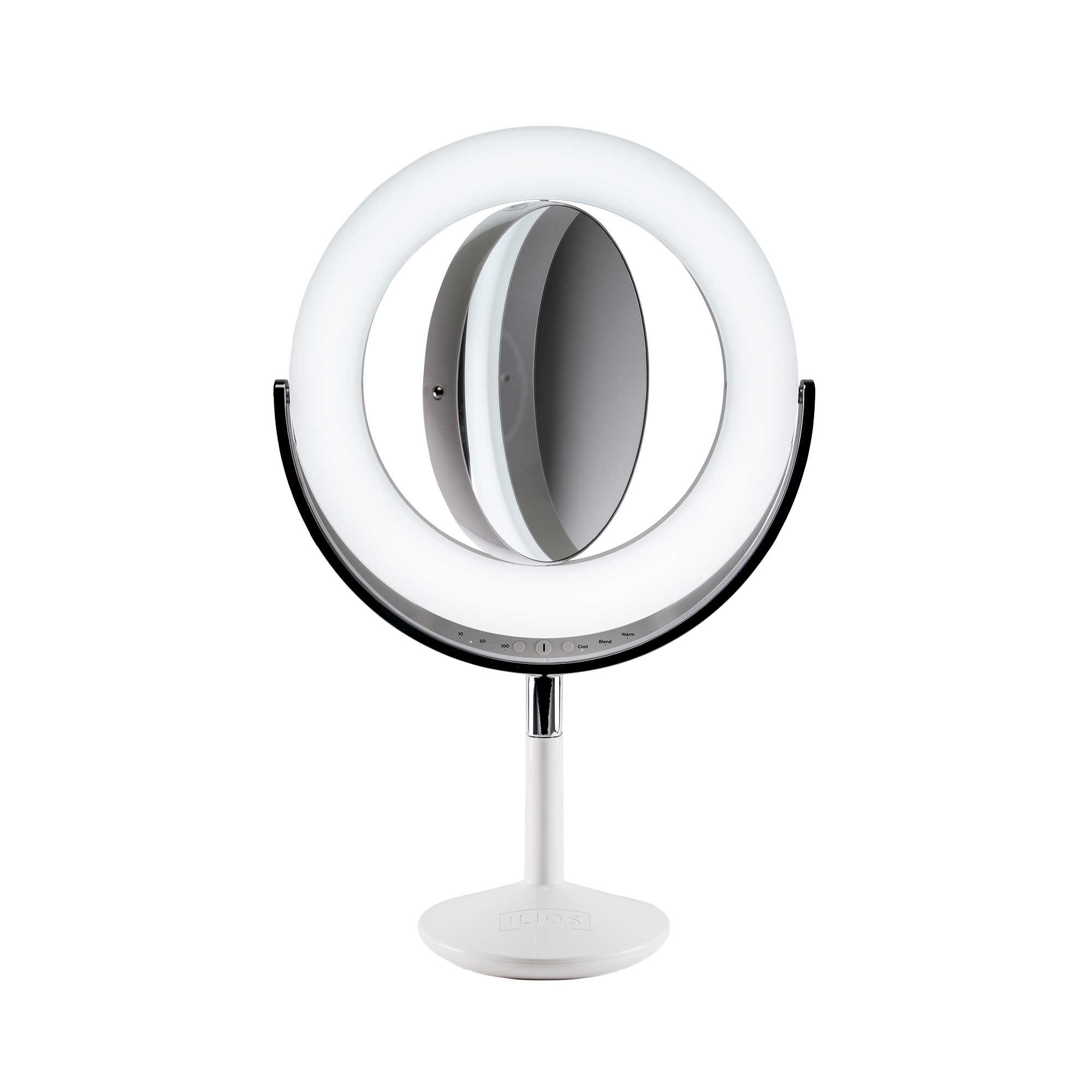
The table stand can be adjusted be simply opening the legs to the desired position.
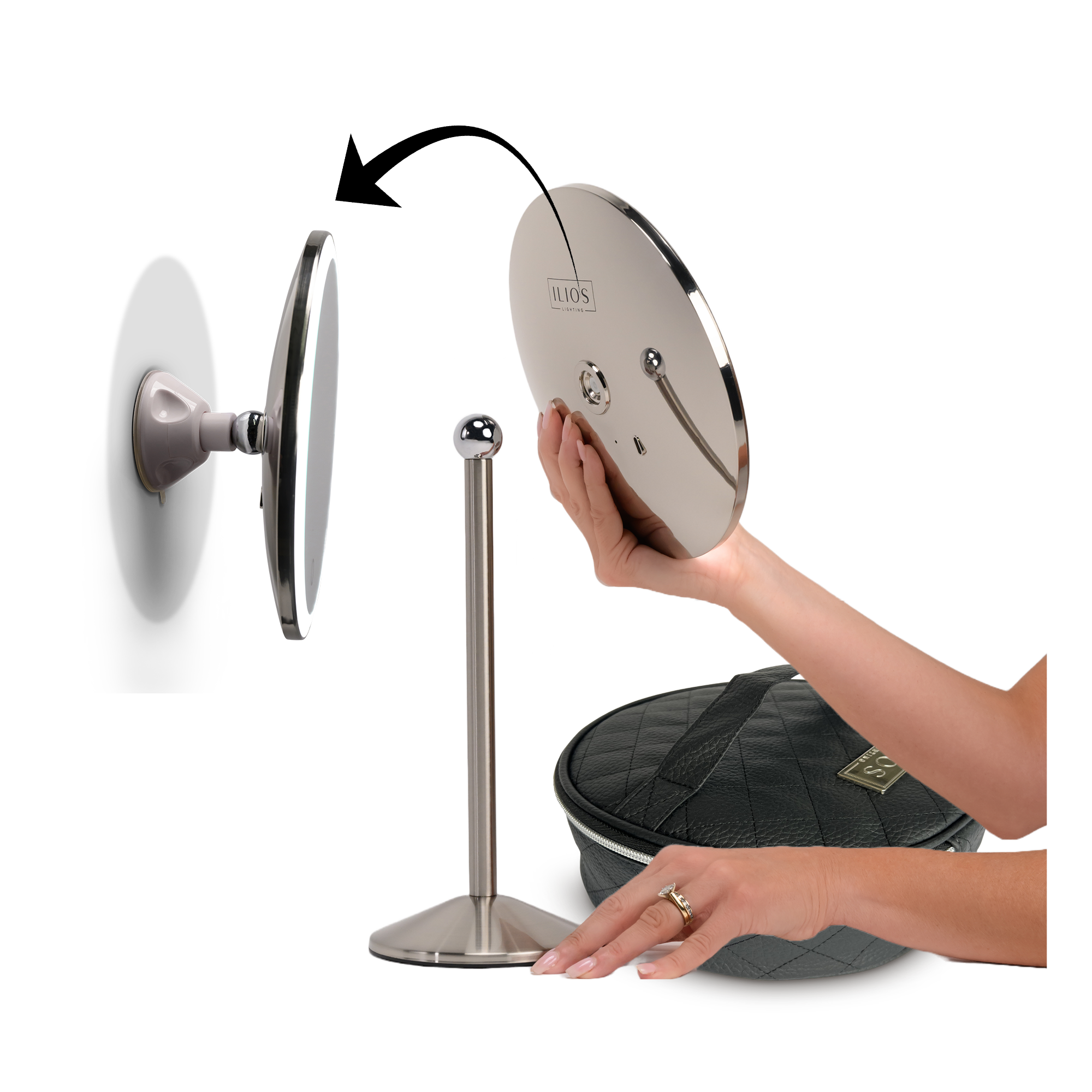
Attaching a Magnified Mirror
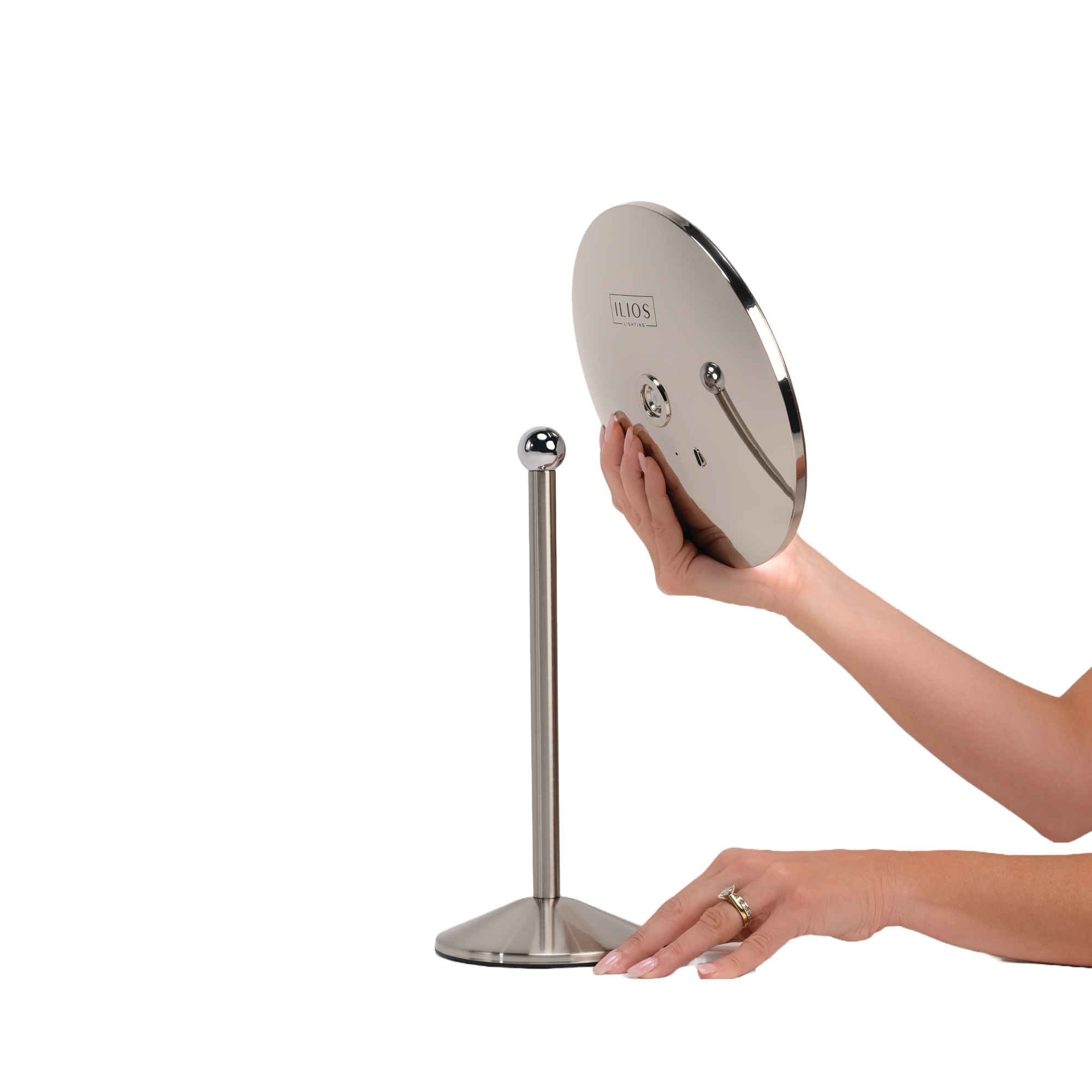
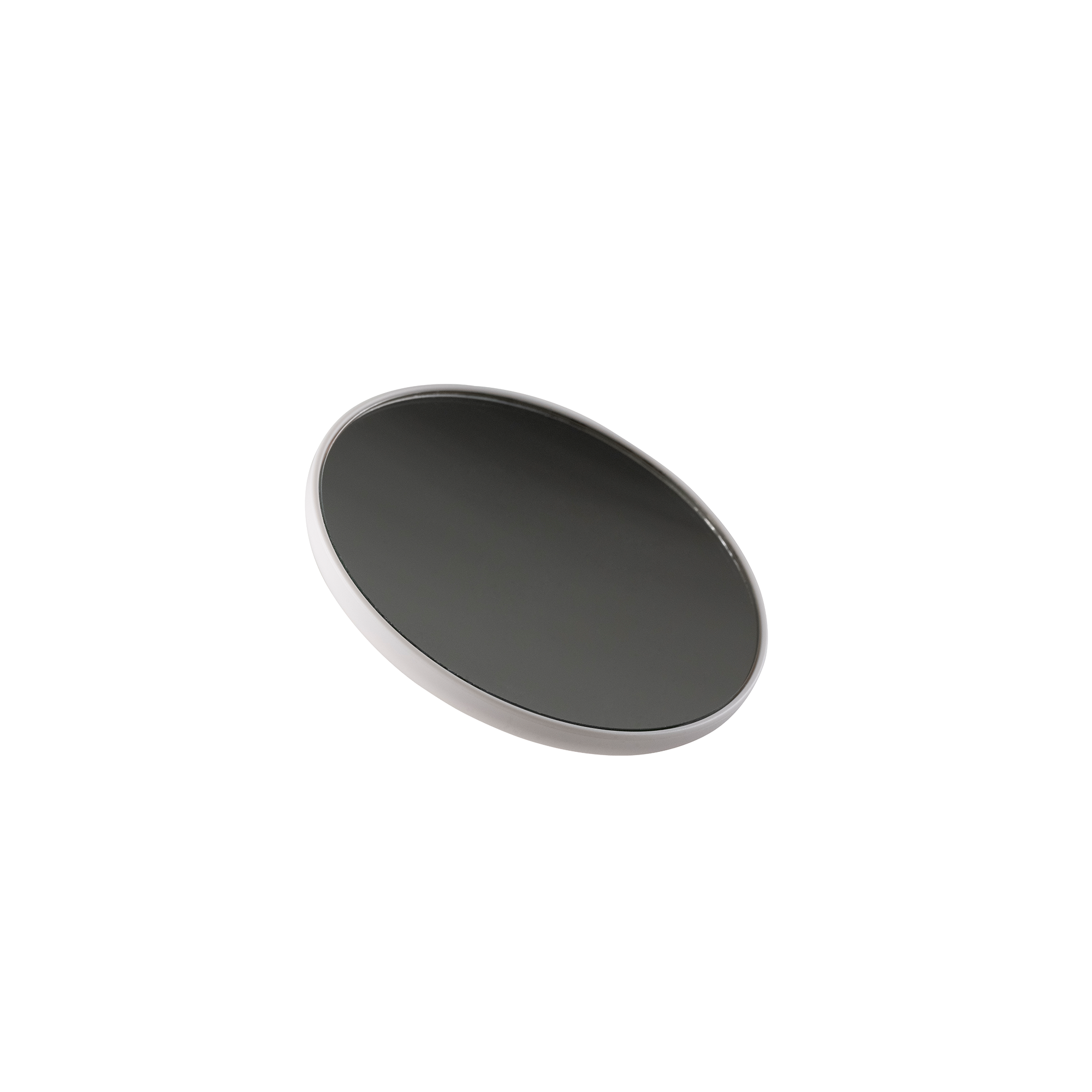
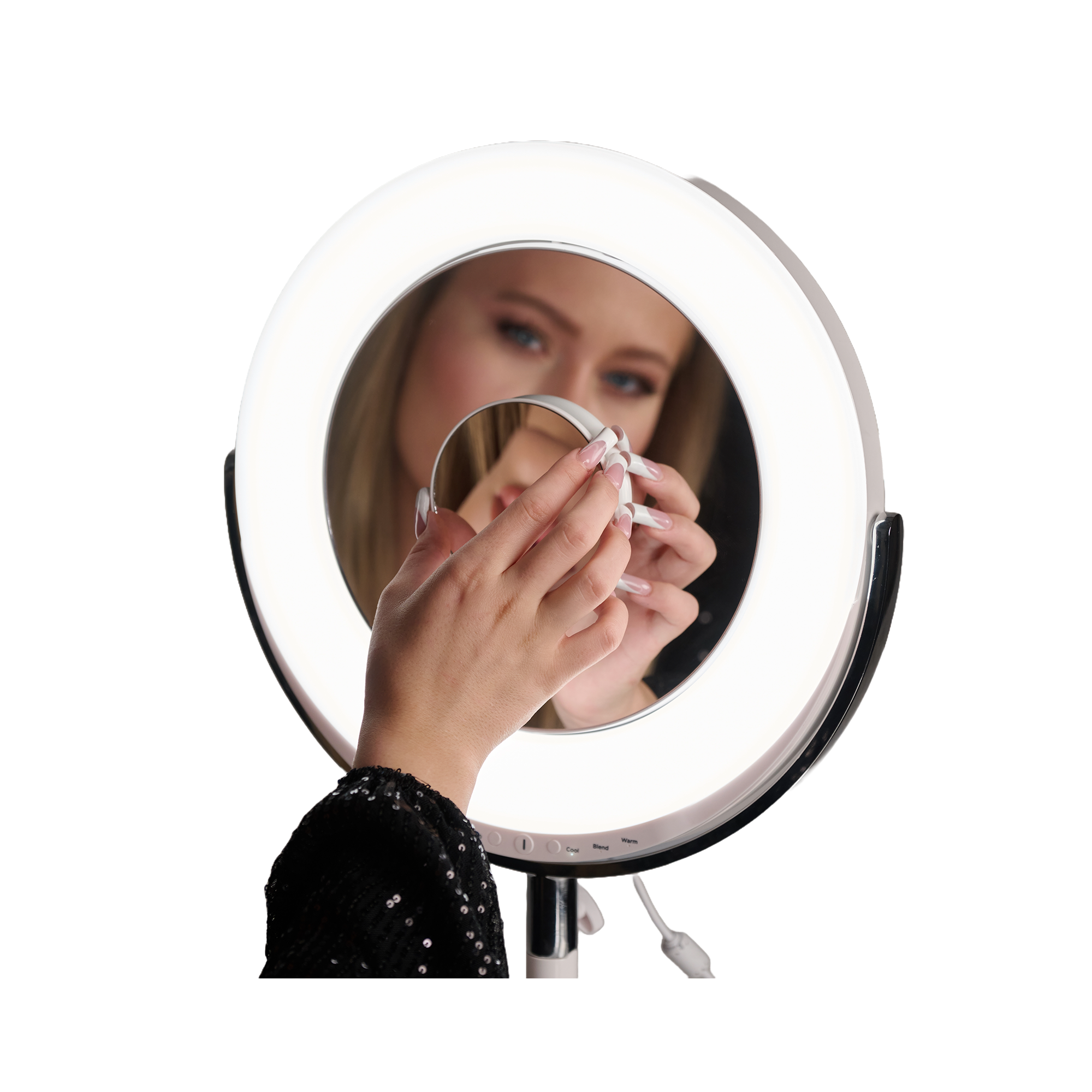
An optional 5x or 10x magnified mirror can be attached to the Slim Rechargeable Mirror in 3 positions:
- Upper Left Hand Corner Front
- Center Front
- Backside Center directly above the Ilios logo.
MAINTENANCE & CLEANING
Your mirror is designed for household use and is virtually maintenance-free. If cleaning is required, please follow the instructions:
- Disconnect the appliance from any power source and turn the power off.
- To clean the mirror, spray glass cleaner onto a towel and wipe accordingly. Do not spray cleaner directly onto the mirror’s surface. Do not use gritty or dirty clothes as they may scratch the mirror’s surface.
- Wait to light the mirror until the surface area is completely dry.
IMPORTANT SAFETY INSTRUCTIONS
When using electrical appliances, basic safety precautions should always be followed. Always unplug this appliance from the electrical outlet before cleaning to reduce the risk of electric shock.
WARNING!
- Read all instructions carefully before use.
- Do not use the appliance while bathing or in the shower.
- Do not operate this appliance if the appliance malfunctions or has been dropped or damaged in any manner. No repairs should be attempted by the consumer.
- Use this appliance only for attended use as described.
- Do not operate where aerosol products are used or when oxygen is administered.
- Be sure the mirror is not in a position where it can reflect sunlight; reflected sunlight may cause unintentional fires.
- Do not place or store the appliance where it can fall into a tub or sink.
- Do not place in or drop into water or other liquids.
- If the appliance falls into the water, unplug it immediately. DO NOT REACH INTO THE WATER.
10X MIRROR
Attaching the 10x Magnified Mirror
The 10x magnified mirror can be attached to the Slim Rechargeable Mirror in 3 positions:
- Upper Left Hand Corner Front
- Center Front
- Backside Center directly above the Ilios logo.
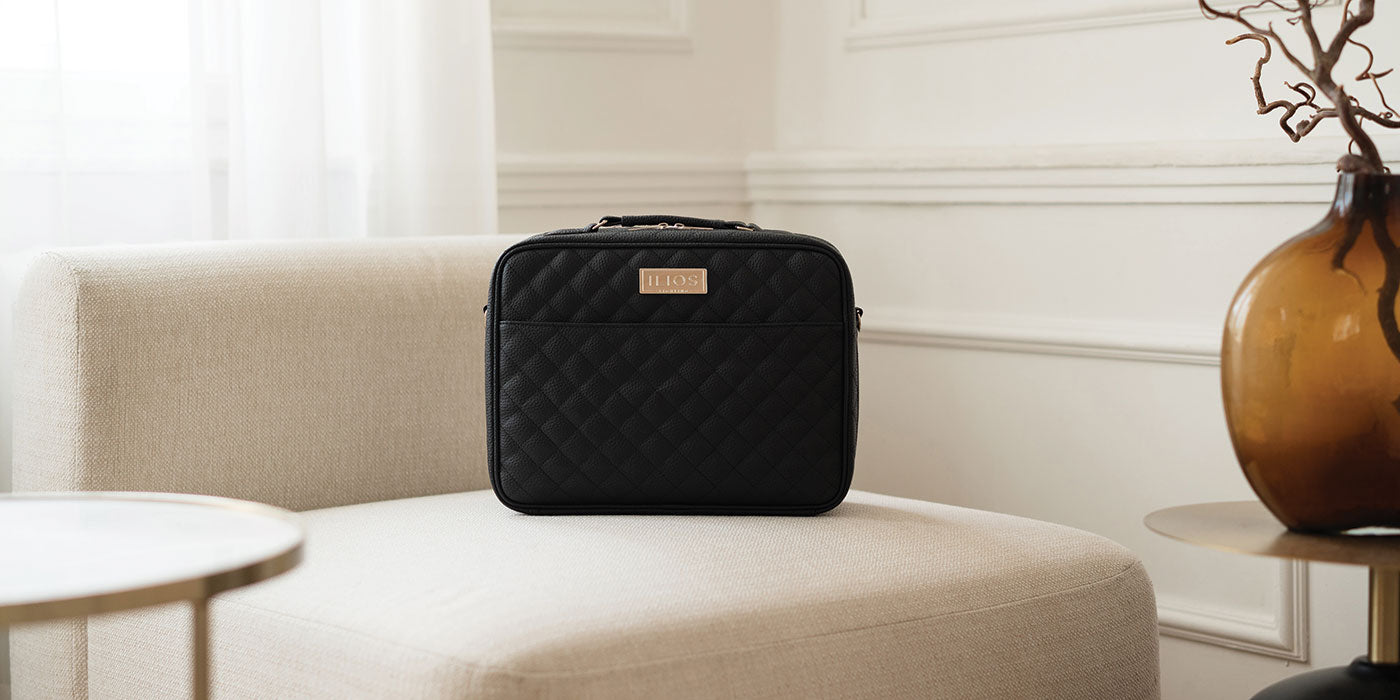
MAKEUP CASE
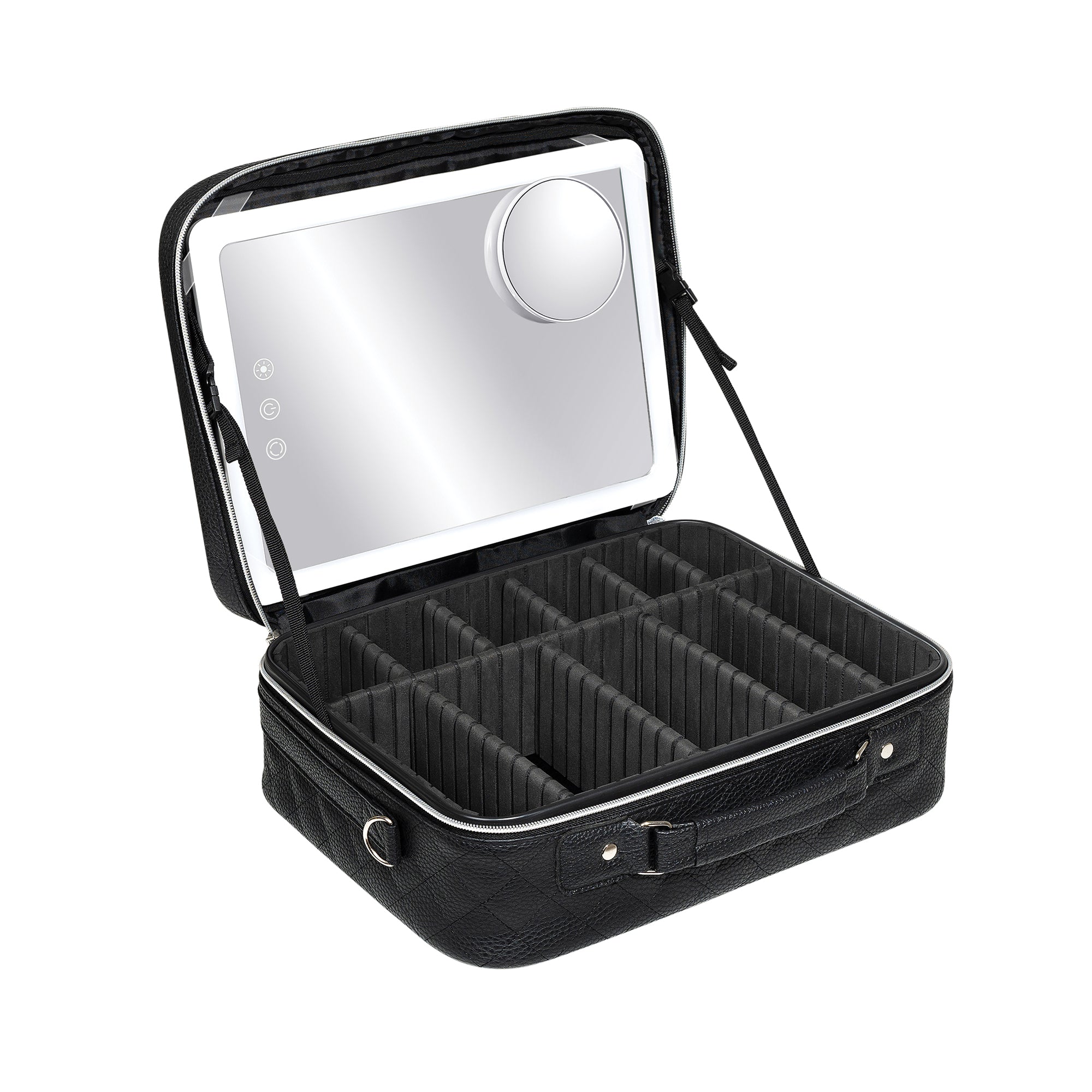
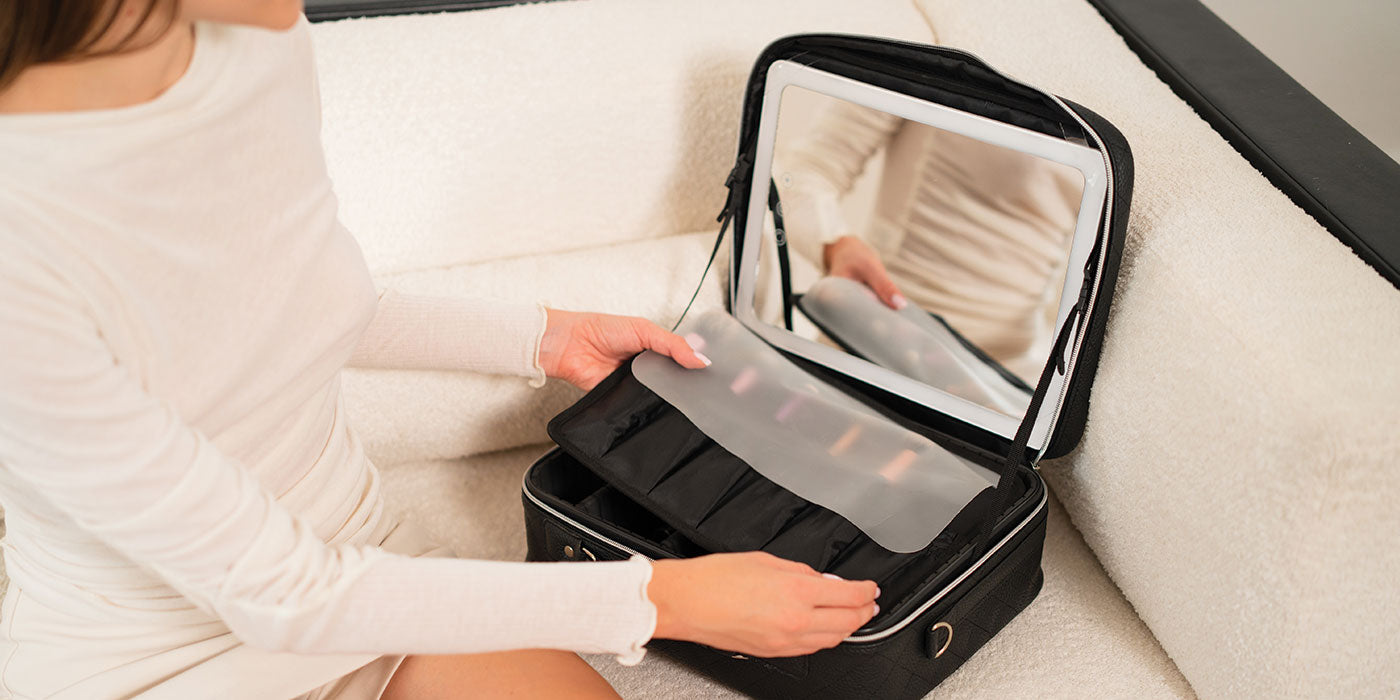
- Secure the side straps before placing the mirror in the case lid.
- Slide the Slim Mirror into the lid ensuring all four clear corner straps are securely attached to the four corners of the Slim Mirror.
- Adjust the side straps to the desired position.
- Adjust the foam dividers as needed.
- Place the brush holder in between the mirror and makeup to protect the mirror from scratches or breakage.
MAINTENANCE & CLEANING
- Use a gentle cleaner
Avoid harsh chemicals like bleach or alcohol, which can damage faux leather. Instead, use a mild detergent or a gentle cleaner made for faux leather.
- Use a non-abrasive cloth
Gently wipe the faux leather with a soft, non-abrasive cloth or sponge. Rubbing can cause the faux leather to wear out faster.
- Don't soak
Faux leather isn't waterproof, so don't soak it in water.
- Treat stains quickly
Spot clean stains as soon as possible to prevent them from setting in. You can try pre-treating stains with a mixture of water and a small amount of detergent. For tougher stains, you can gently scrub with a soft-bristle brush.
Battery Care
Safety Regulations and Instructions for Use
1. Use the device in a suitable environment. Operating temperature: -10°C to 40°C. Operating humidity: 65% ± 10%.
2. During use, keep the device away from heat sources and high voltage. Prevent children from playing with the device. Do not drop or strike the device.
3. The device contains a built-in battery. Do not disassemble the device or expose it to moisture to prevent dangers.
4. When not in use for extended periods, store the device properly. Maintain the battery at a half-charged state—neither fully charged nor fully discharged.
5. After use, store the device securely to prevent direct contact with metal or foreign objects, which may damage circuits or the battery. Keep the device in a cool, dry place.
6. Do not use in humid environments.
7. Dispose of discarded devices safely and properly. Do not burn or submerge in water.
8. This product contains batteries. Strictly adhere to relevant operating procedures for battery use, as failure to do so may result in dangers or fire.
Danger Warning
- Do not disassemble the device. The device contains a built-in battery with internal protective mechanisms and circuits designed to prevent dangers. Improper disassembly may damage these protective functions, leading to overheating, smoke emission, deformation, or burning.
- Do not short-circuit the circuitry or battery. Do not store or transport the device with metal objects. If circuits or batteries are short-circuited, it may damage the device or batteries, causing the device to overheat, smoke, deform, or burn.
- Do not heat or burn the device. Heating or burning may cause circuitry or battery separators to melt, safety features to fail, or electrolyte to ignite. Overheating can result in the device becoming hot, emitting smoke, deforming, or burning.
- Avoid using the device near heat sources. Do not use the device near open flames, ovens, or in environments exceeding 80°C (176°F). Overheating may cause internal short circuits, leading to the internal battery overheating, smoking, deforming, or burning.
- Do not expose the device to moisture. Do not get the device wet, and never submerge it in water. Doing so may cause the internal protective circuitry to fail and trigger abnormal chemical reactions, potentially leading to overheating, smoke emission, deformation, or burning. After the equipment has been exposed to water or rain, please stop using it.
- Avoid charging or using the device near open flames or in direct sunlight. High temperatures may cause the internal protection circuit to fail and trigger abnormal chemical reactions, potentially causing the device to overheat, smoke, deform, or burn.
- Use the dedicated adapter and charge correctly. Using non-dedicated chargers to charge the device is dangerous. Charging under abnormal conditions may cause the device's internal protection circuits to fail and trigger abnormal chemical reactions, potentially leading to overheating, smoke emission, deformation, or burning.
- Do not damage the device. Do not use metal tools to pry into equipment or circuits, strike equipment with hammers, drop equipment, or damage equipment by any other means. Doing so may cause the equipment to overheat.
- Never charge the device using other power sources or car cigarette lighters. Connecting to high-voltage or high-current power sources may damage the circuitry or battery, causing the device/battery to overheat, smoke, deform, or burn.
- Do not directly touch leaking batteries. If internal batteries leak, the spilled electrolyte can cause skin irritation. If electrolyte gets into your eyes, rinse them immediately with clean water. Do not rub your eyes, and seek medical attention promptly.
Warning - This device contains a built-in battery and should be kept out of reach of children. Place the device where children cannot access it to prevent play or improper handling.
- Do not leave the device connected to the charger for extended periods. Abnormal charging may cause the battery to overheat, smoke, deform, or burn. Unplug the power source after charging is complete. Do not leave the device connected to the charger for long periods to avoid dangers.
- Do not place in microwave ovens or other pressure vessels. Instant heating or structural damage may cause the battery to overheat, smoke, deform, or burn.
- Keep leaking batteries away from fire. If battery leakage (or an unusual odor) is detected, immediately move the battery away from any fire source. Leaking electrolyte may burn or cause other dangers.
- Do not use under abnormal conditions. If the device emits an unusual odor, shows deformation, discoloration, or distortion, discontinue use immediately. Using a malfunctioning device may cause overheating, smoke emission, deformation, or burning.
-
Do not use in unattended environments. When not in use, turn off the device and unplug the power source. Never operate it in an unattended environment to prevent accidents or dangers.
Important Notes - Do not Use the Device in Direct Sunlight. Avoid operating the device under intense sunlight exposure to prevent overheating, deformation, or smoke emission. This helps maintain device performance and prolong its lifespan.
- Anti-Static Measures The device incorporates protective circuitry to prevent various malfunctions. However, avoid using it in static-prone environments, as static electricity (99V or higher) can damage the protective board. This may cause abnormal operation, overheating, deformation, smoke emission, or fire.
- Charging Temperature Range The recommended charging temperature range is 0-30°C. Charging in environments beyond this range may cause reduced device performance and shorten its lifespan.
- Charging Method Use the dedicated power supply to charge the device under the recommended environmental conditions.
- First Use If any unusual odors or other abnormalities are detected during the first use of the device, discontinue use immediately and return the device to the seller.
- Not for Use by Children Children should use the device under parental guidance and supervision, and their usage should be monitored for correct operation.
- Keep Children Away from the Device This device contains a built-in battery and should be kept out of children's reach.
- Warranty Period The warranty period is one year from the date of manufacture. However, the manufacturer will not provide free replacement for issues arising from improper use rather than quality defects, even within the warranty period. After a certain period of use, battery performance may diminish and capacity may decrease, which is a normal phenomenon. If the battery's operational time falls below 50 minutes (with remaining capacity below 60%), it is recommended to stop using the device and dispose of the battery.
Storage - 1Storage Temperature and Humidity Store equipment in a clean, dry, well-ventilated indoor environment with ambient temperatures between -20°C and 45°C and relative humidity between 25% and 75%. Avoid contact with corrosive substances and keep away from fire sources and heat sources.
- Extended Storage For long-term storage, equipment should be kept within a temperature range of -10°C to +30°C, in a low-humidity environment free from corrosive gases.
- When equipment is stored for over three months, perform one full charge-discharge cycle on the battery.